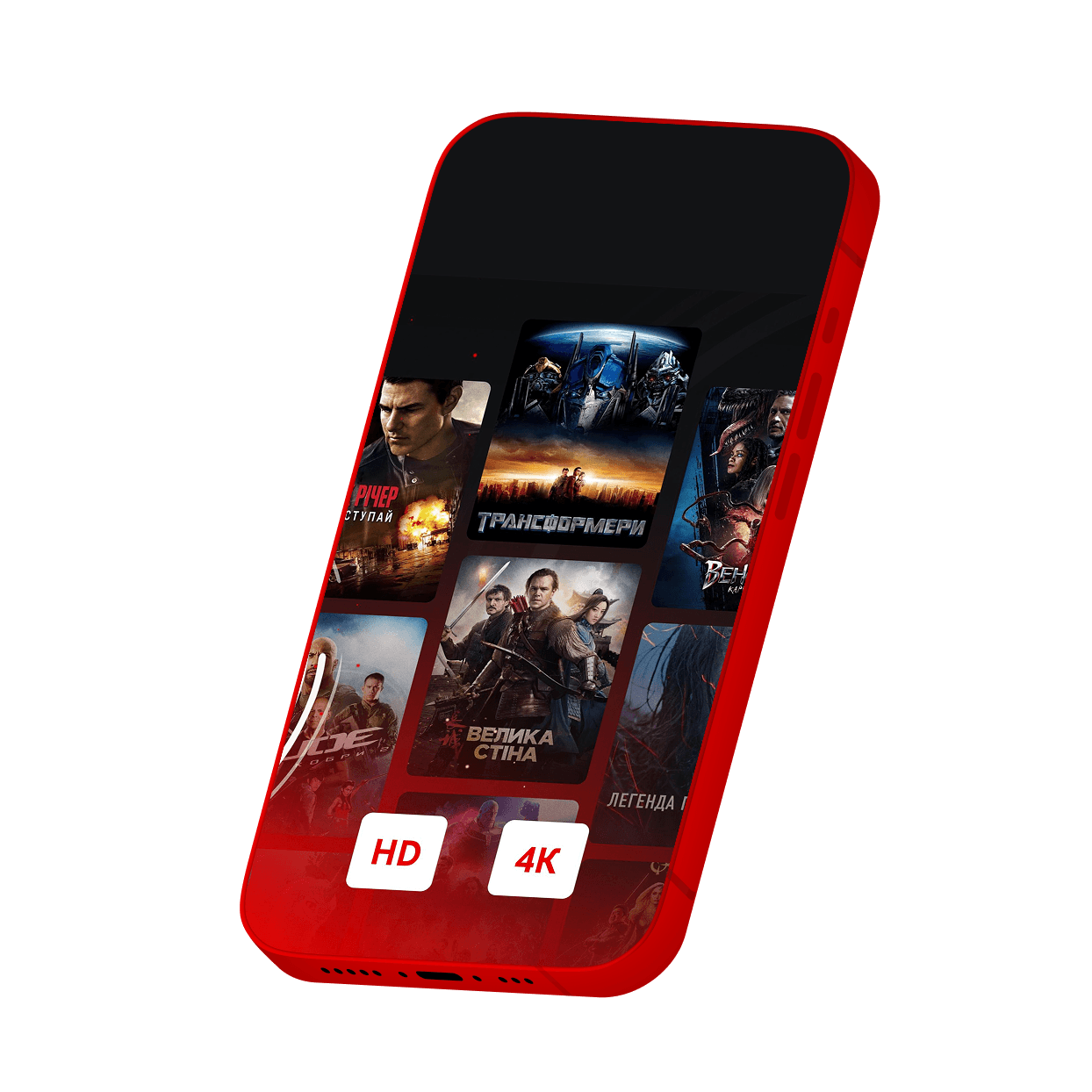
Vodafone TV

Vodafone TV
With Vodafone TV, your plan’s gigabytes won’t be used
Pre-downloaded movies can be watched with no Internet connection
You can connect up to 5 different devices to 1 account
- 10 000+ movies, 250+ TV channels
- Cartoons from leading studios
- The biggest sporting events
Vodafone TV tariffs
How to activate
Make sure your TV has SMART TV technology and Vodafone TV platform support.
Turn on and connect the TV/SMART set-top box to the internet.
Log in to Samsung Apps, find and download the Vodafone TV app.
Open the app, enter your Vodafone number and the code you will receive via SMS.
Choose and activate a Vodafone TV package in your personal account or use an already paid one.
Make sure your TV has SMART TV technology and Vodafone TV platform support.
Turn on and connect the TV/SMART set-top box to the internet.
Sign in to Play Market on your TV, find and download the Vodafone TV app.
Open the app, enter your Vodafone number and the code you will receive via SMS.
Choose and activate a Vodafone TV package in your personal account or use an already paid one.
Make sure your TV has SMART TV technology and Vodafone TV platform support.
Turn on and connect the TV/SMART set-top box to the internet.
Sign in to LG Content Store, find and download the Vodafone TV app.
Open the app, enter your Vodafone number and the code you will receive via SMS.
Choose and activate a Vodafone TV package in your personal account or use an already paid one.
FAQ
You can link your account to up to 5 devices: TV, smartphone, computer, tablet and even Android TV console.
The content of one media group cannot be viewed simultaneously on more than 3 devices.
The parental control password can be changed only on the website. To do this, go to tv.vodafone.ua, go to your personal account, select "Personal Data" and then "Parental Control". Set a password and activate the parental control function. It will need to be entered when watching movies rated 18+.
If you have forgotten your password, select "Remind Password" in the "Parental Control" section – and we will send it to you with SMS.
At the moment, the Vodafone TV platform is available on TVs with Samsung and LG Smart TVs, and on TVs with the Android TV operating system from other manufacturers.
The list of of SMART TV TV models with support for the Vodafone TV platform can be found here.
- a large library of films and series with a wide selection of TV channels;
- high image quality;
- interactive functions (possibility to pause the broadcast, rewind advertisements, and watchTV programs recorded for up to 14 days);
- parental control function;
- one account for 5 devices;
- service availability does not depend on weather conditions.
The service can be activated by all Vodafone customers having reached the age of 21.
The payment for the selected package is charged from your mobile account automatically every 30 days.
If you have topped up your account and want to use the service immediately, deactivate it first. To do this, send the word STOP to a short number (it is unique for each package). You can also deactivate the service in your Personal Account. Then activate it again by sending the number 1 to the short number corresponding to a certain package.
The cost of Vodafone TV packages is indicated with VAT and PF included.
The detailed information on tariffs, promotions, cost and conditions of service provision can be obtained by calling:
- 111 – free from a Vodafone Ukraine mobile phone (in Ukraine);
- 0800 400 111 – for customers of other Ukrainian operators (free from any number in Ukraine).
During the first 7 days (from the date of the first service activation by operator), no access payment is charged from the customer. Starting from the 8th (eighth) day of using the service, in the absence of the customer's refusal to receive the service registered in the operator's system, the amount of payment will be charged from the customer's account in accordance with the operator's tariffs.
The cost of the packages can be found on vodafone.ua, tv.vodafone.ua, vega.ua.
You will need a SMART set-top box or a media player based on the Android operating system:
- Turn on and connect the SMART set-top box to the Internet and the TV.
- Enter the application store on the TV.
- Search for and download the Vodafone TV app. After installation, the Vodafone TV icon will appear in the main menu.
- Open the application, enter your number and the code sent in SMS.