Керуйте послугою за кілька кліків у застосунку My Vodafone
Інтернет для 2-го девайса

Послуга, що надає додаткову SIM-картку з інтернетом вашого тарифу для планшета, модема, ноутбука чи другого смартфона. Зручно для роботи, навчання або поїздок.
Один тариф — два пристрої
Не потрібно додаткових рахунків, пакетів та оплат
Зручно в дорозі
Працюйте з ноутбука чи планшета без прив’язки до Wi-Fi
Без налаштувань та роздачі
Додаткова SIM працює автоматично з вашим тарифом
Керування послугою
або
За допомогою USSD-запитів
Як скористатися послугою
Покрокова інструкція
Перевірте, чи доступна послуга у вашому тарифі
Шукайте свій тариф у переліку (розділ «Поширені питання») або в My Vodafone
Підключіть послугу та перезавантажте смартфон
Для підключення скористайтесь інструкцією
Вставте SIM/eSIM у другий девайс
Після SMS про підключення вставте SIM (скануйте eSIM) у другий девайс і перезавантажте його.
Як активувати послугу
Увійдіть в My Vodafone і в розділі «Доступні послуги» знайдіть послугу «Інтернет для 2-го девайса»
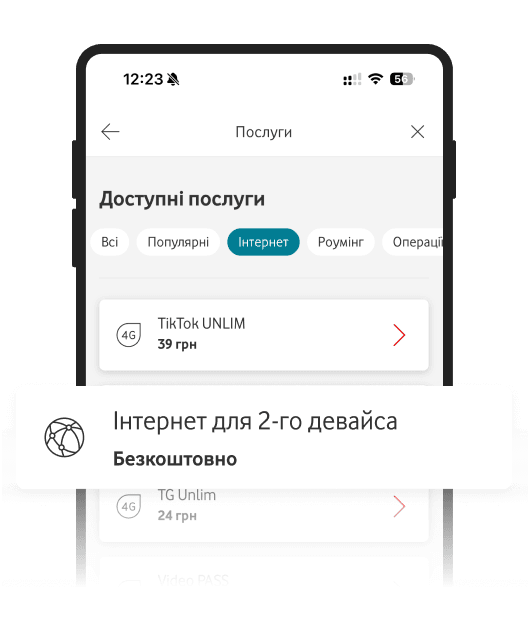
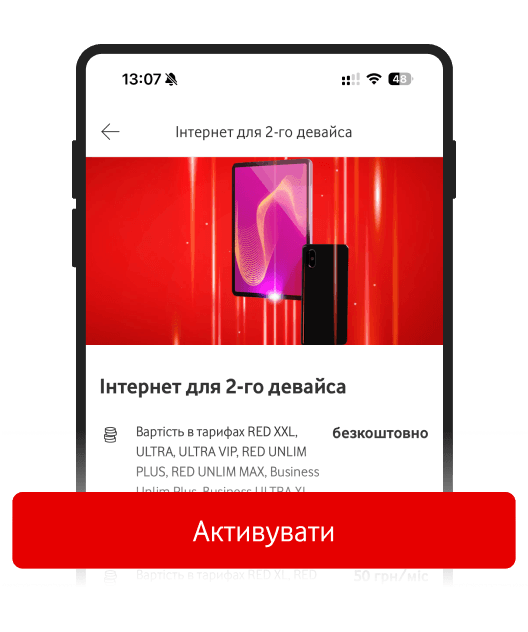
Натисність «Підключити» в деталях опису послуги
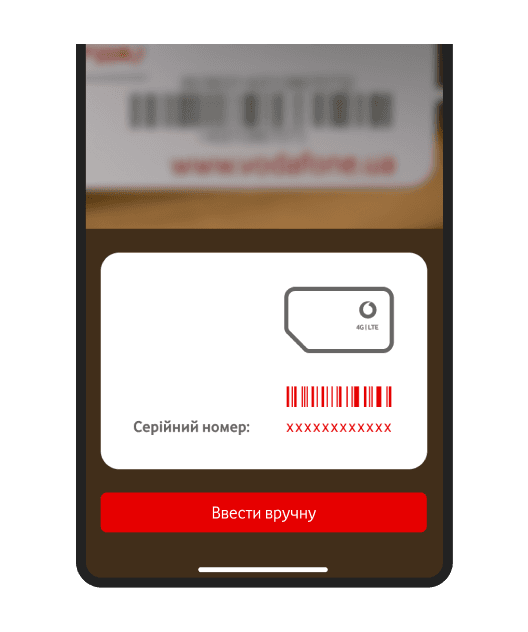
Зіскануйте або введіть серійний номер додаткової картки (12 цифр)*
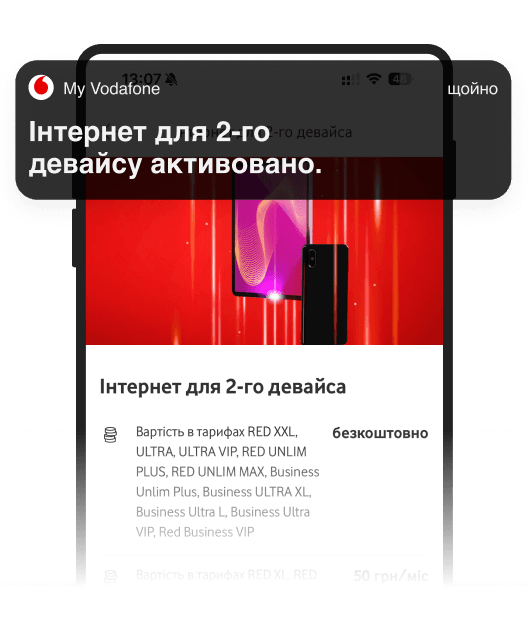
Дочекайтесь SMS про активацію і вставте SIM в інший пристрій
Поширені питання
В яких тарифах доступно?
Яка вартість послуги та інтернету?
Інструкція з підключення й керування
Загальна інформація